
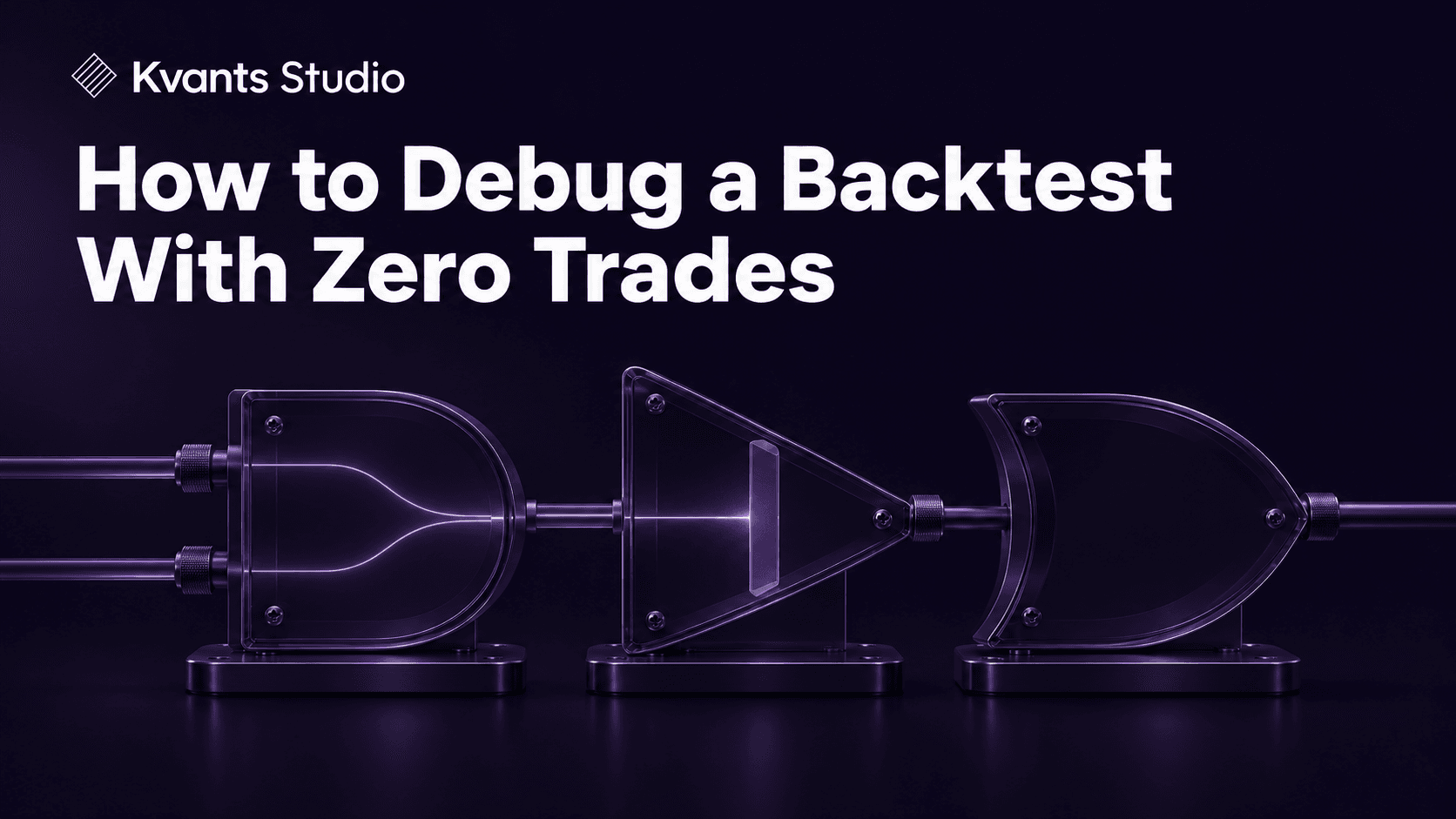
How to Debug a Backtest With Zero Trades
Nov 19 | 3 min read MIN | Backtesting
By
Kvants AI


Debug a zero-trade backtest by counting events in order. Check eligible bars, true entry signals, submitted orders, filled entries and closed positions. The first counter that drops to zero identifies the stage to inspect. Start by confirming how the report defines a trade.
Check that the strategy had usable data
Verify the symbol, venue, timeframe, test dates and session time zone. Count bars inside the requested window and check missing values. A strategy with a 200-bar indicator may have too little data after warm-up if the engine has no earlier history. Inspect when each input first became available, especially when mixing timeframes.
Find the condition that removed every signal
Count each condition alone and then count the combined rule. Suppose 44 bars pass the trend gate, 18 trigger the crossover and 11 fall inside your selected session. If zero bars meet all three conditions at once, the intersection is the blocker. Plot or log each condition on the same timestamps. Review whether the crossover is a one-bar event and whether the session gate is using the intended time zone.
Trace signals through orders, fills and exits
If signals appear but no orders are submitted, check strategy mode, position limits, sizing, capital, minimum lot size and duplicate-entry rules. If orders appear but entries never fill, inspect limit and stop prices, expiry, and the engine’s fill timing. An entry generated on the final bar might require another bar to execute. If entries fill but the closed-trades count is zero, examine exit conditions and how open positions are reported.
Change one thing and rerun
Duplicate the strategy and narrow the test to a window with a known signal. Temporarily remove one suspected gate or use a simple order to verify the entry path under the same capital assumptions. Restore the intended rule after diagnosis. Record the failing stage and the evidence so the fix can be reproduced.
Frequently asked questions
Why do I see a signal on the chart but zero trades? A plotted signal can precede checks for size, order eligibility and fills. Trace the plotted event through each stage.
Can zero closed trades include an open trade? Yes. Review open positions and execution logs alongside the closed-trades report.

Read more