
How To Invest In Kvants Vault: A Step By Step Guide
Dec 19 | 5 Mins MIN | Product
By
Kvants


Most investors are forced to react to the market. Kvants allows you to stay ahead of it. By running high-frequency quantitative models directly on-chain, the Kvants App automates complex trading logic that was once the exclusive domain of elite desks.
Kvants App design and strategy framework empowers investors to accumulate risk-adjusted returns by choosing their strategy intelligently and generating alpha with visibility into risk and exposure.
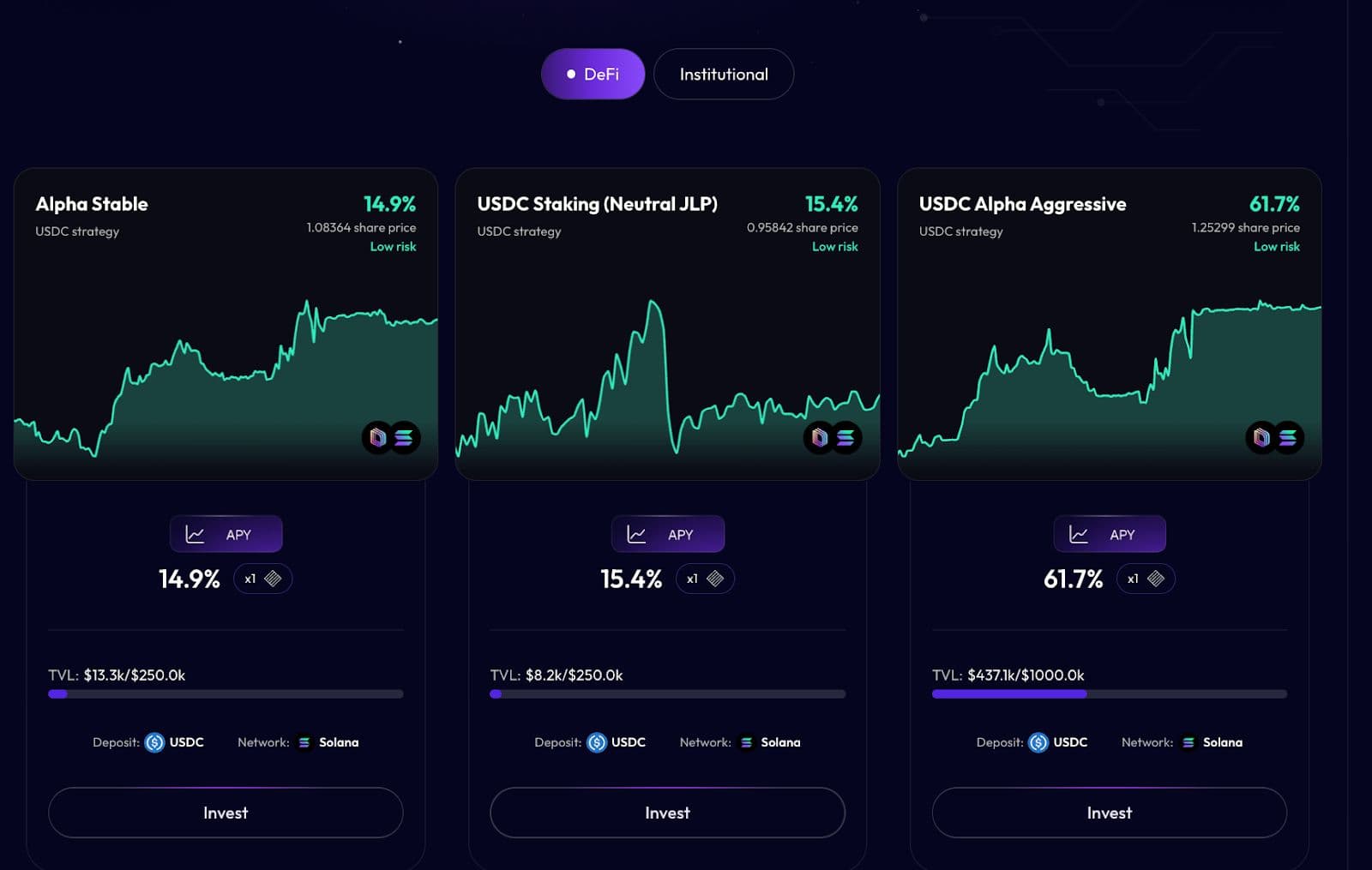
Kvants App Account Setup
Investing in a Kvants Vault is a non-custodial process. You retain 100% control of your assets; the smart contracts simply execute the strategy you select.
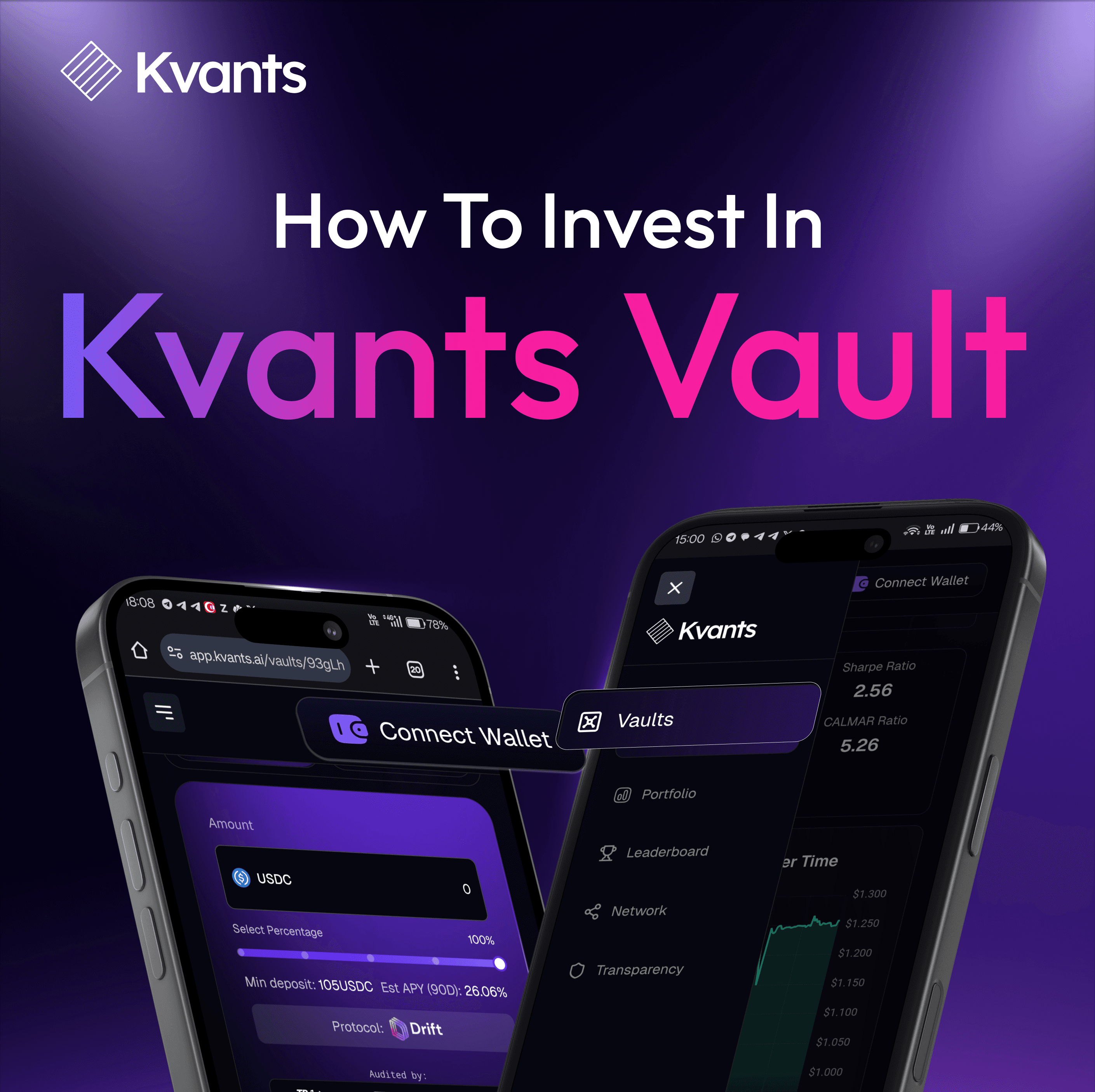
- Visit Kvants App Website: Visit the domain: app.kvants.ai
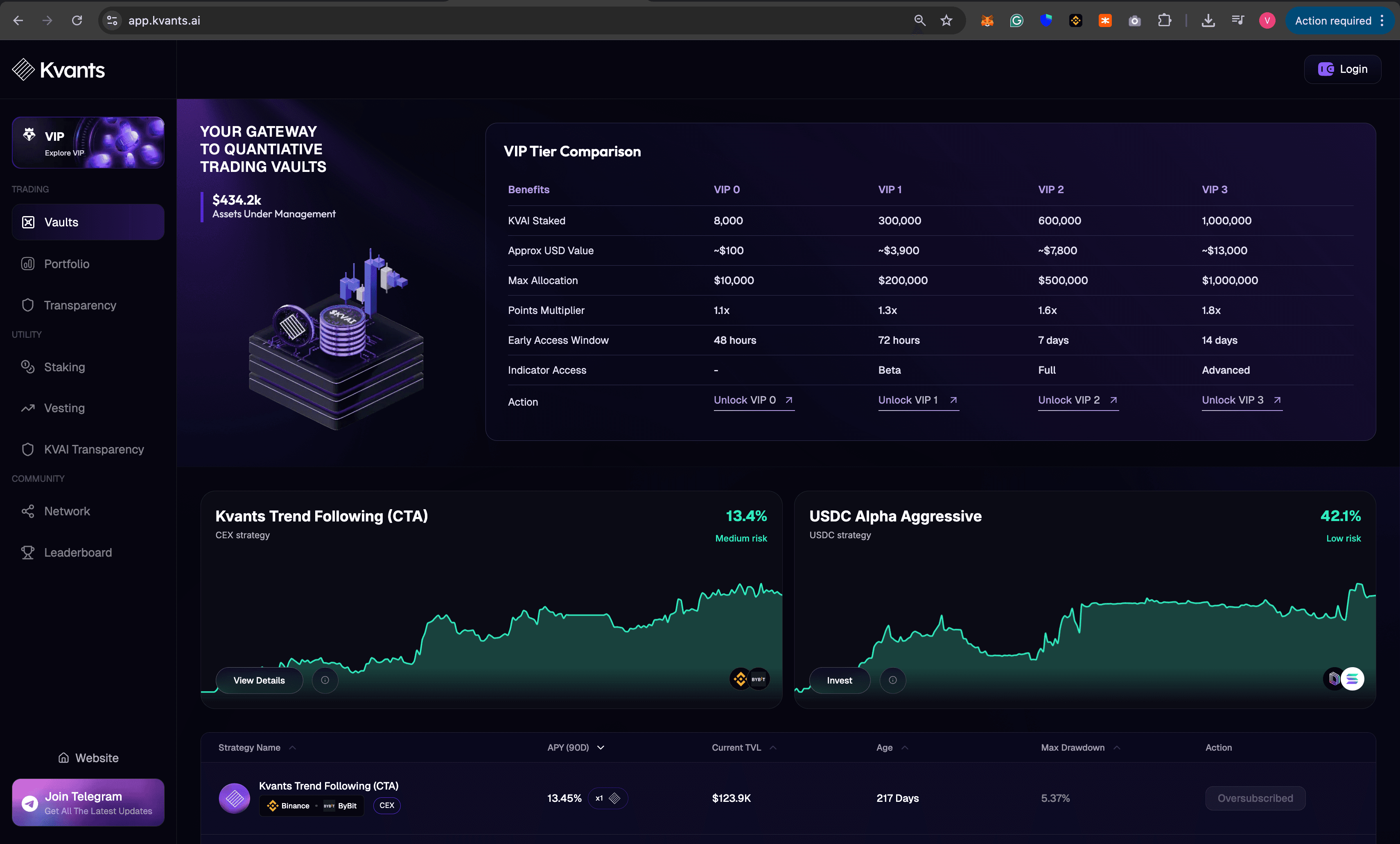
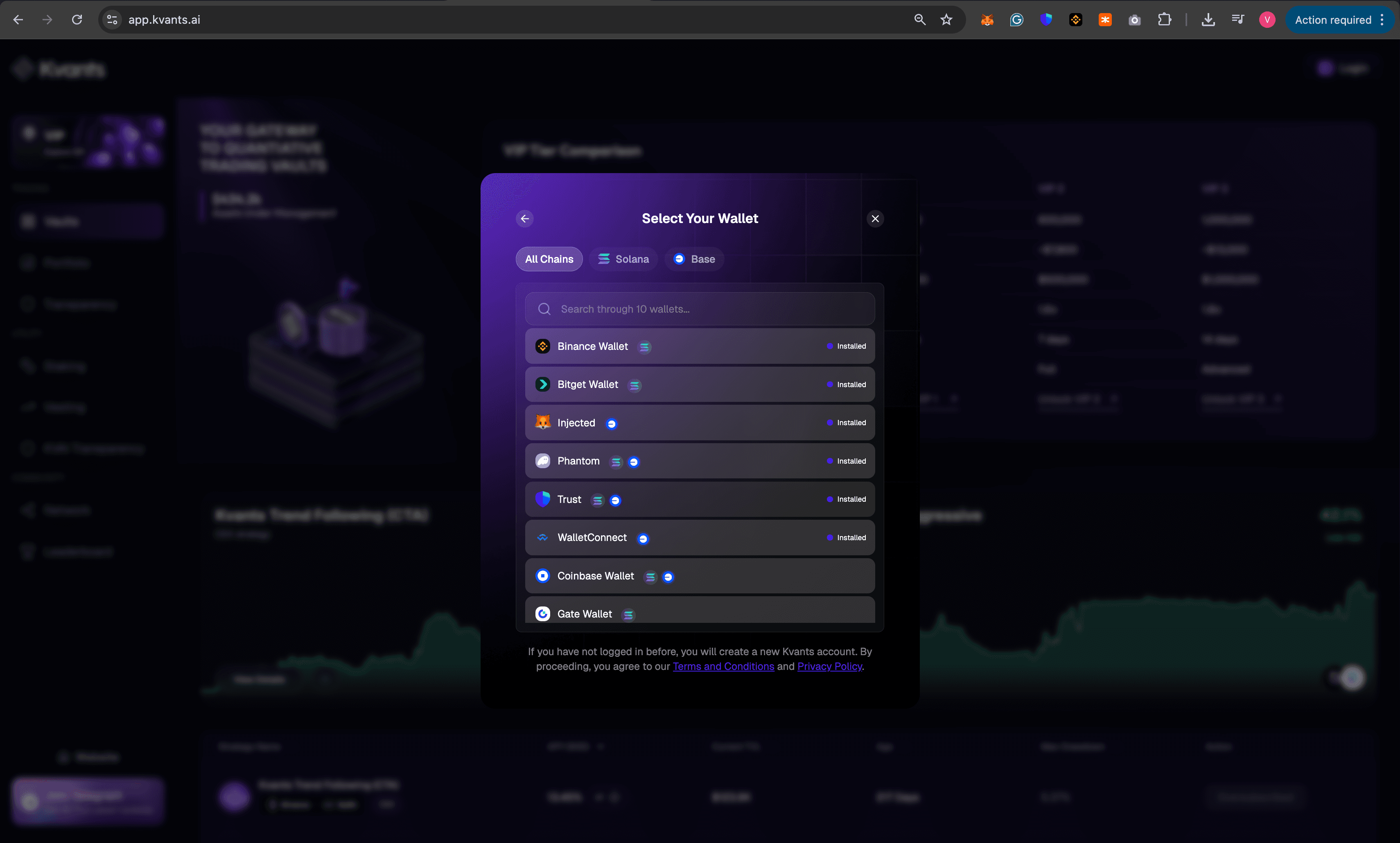
2. Connect Your Wallet to Access the decentralized application at app.kvants.ai and link your preferred digital wallet. Supported providers include:
- MetaMask & Coinbase Wallet (Multi-chain)
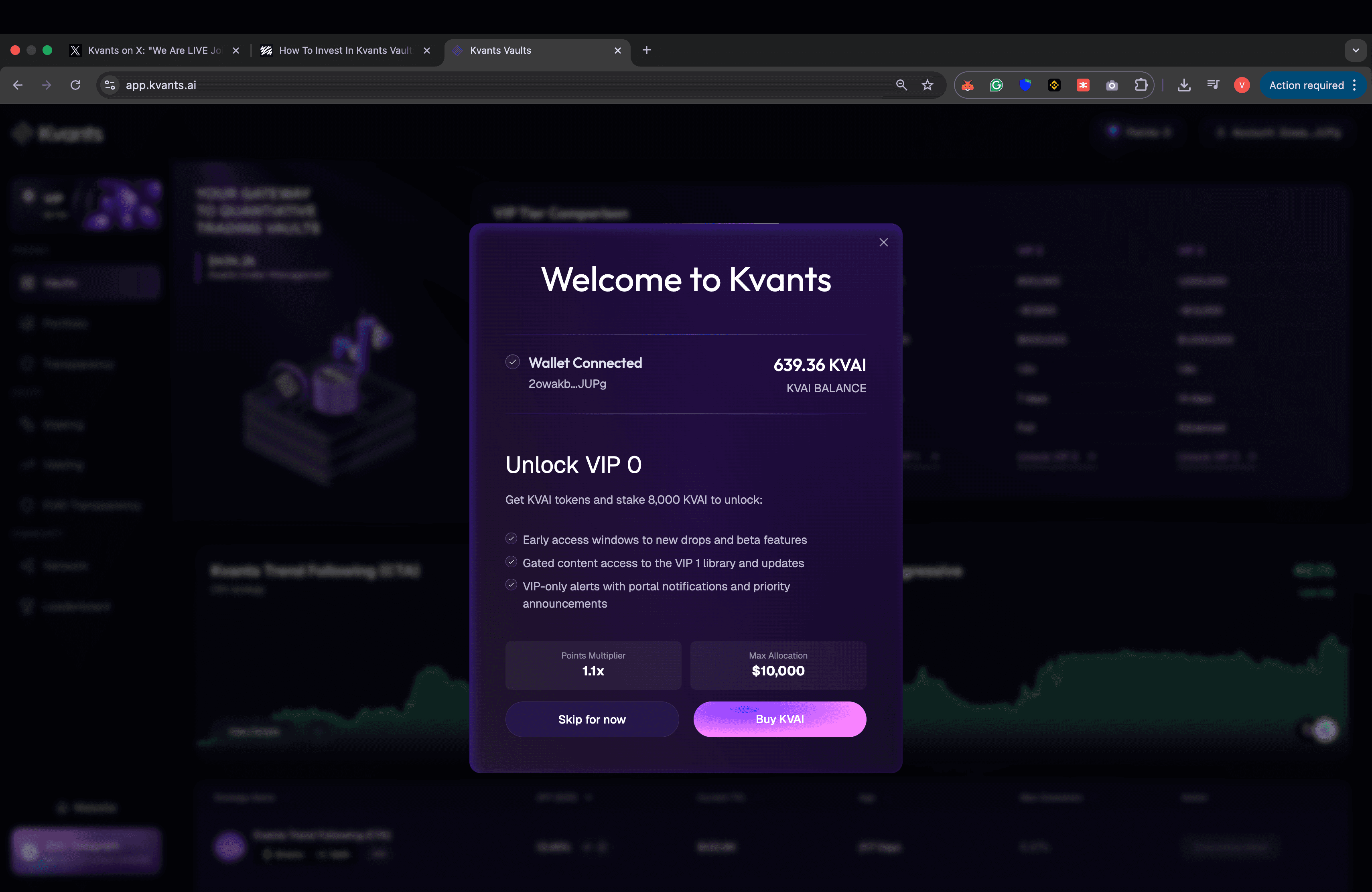
3. Fund Your Wallet: Ensure your wallet is topped up with enough $USDC you wish to allocate.
- Minimum Requirement: A minimum of 100 USDC is required to initiate a strategy.
- Funding ensures the system can efficiently deploy your capital across the internal engine and risk parameters.
4. Scale Up To Access More Strategies: You can also buy $KVAI tokens to upgrade your VIP Tier to access more strategies.
How To Deposit In Kvants Vault
- Select Your Strategy: Based on max drawdowns, CALMAR Ratio, Sharpe Ratio, Vault Age and many other factors, click on 'Invest Button'
- To Invest: Click on 'Deposit' tab and if you wish to invest your entire balance, you can move the slider towards right.
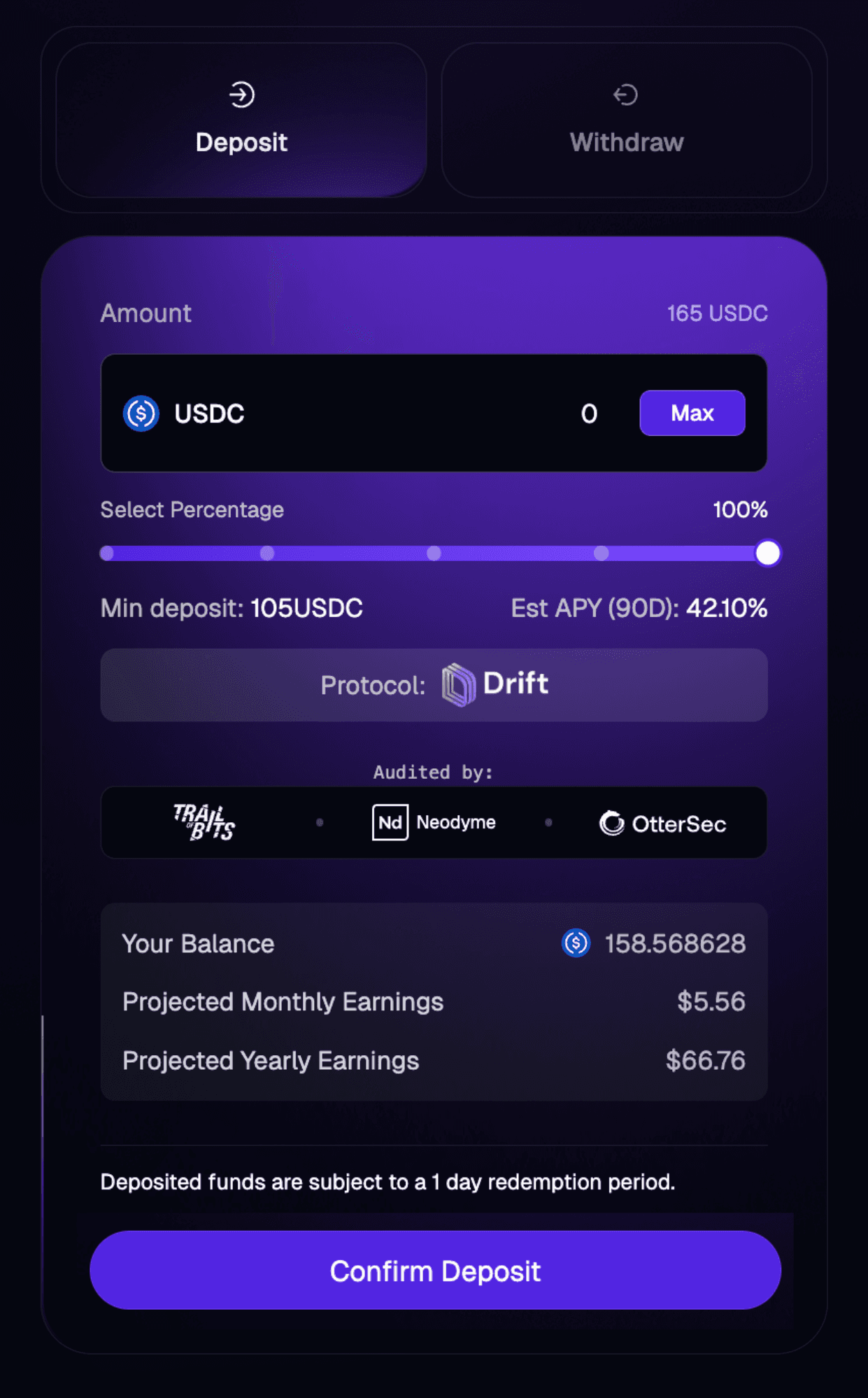
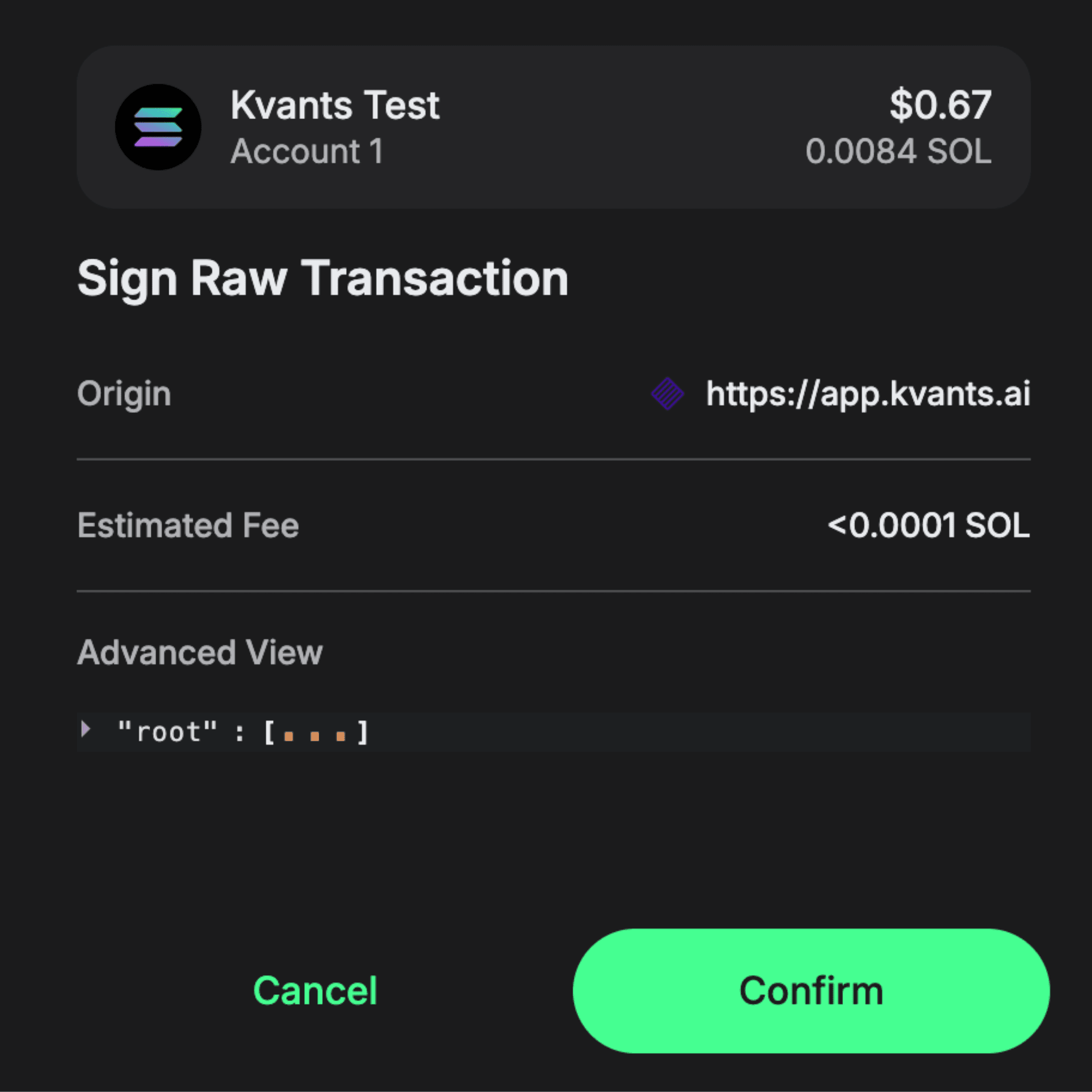
3. Confirm Transaction: To confirm the Deposit, you will be asked to confirm the transaction on your web3 wallet. Kindly click on 'confirm'
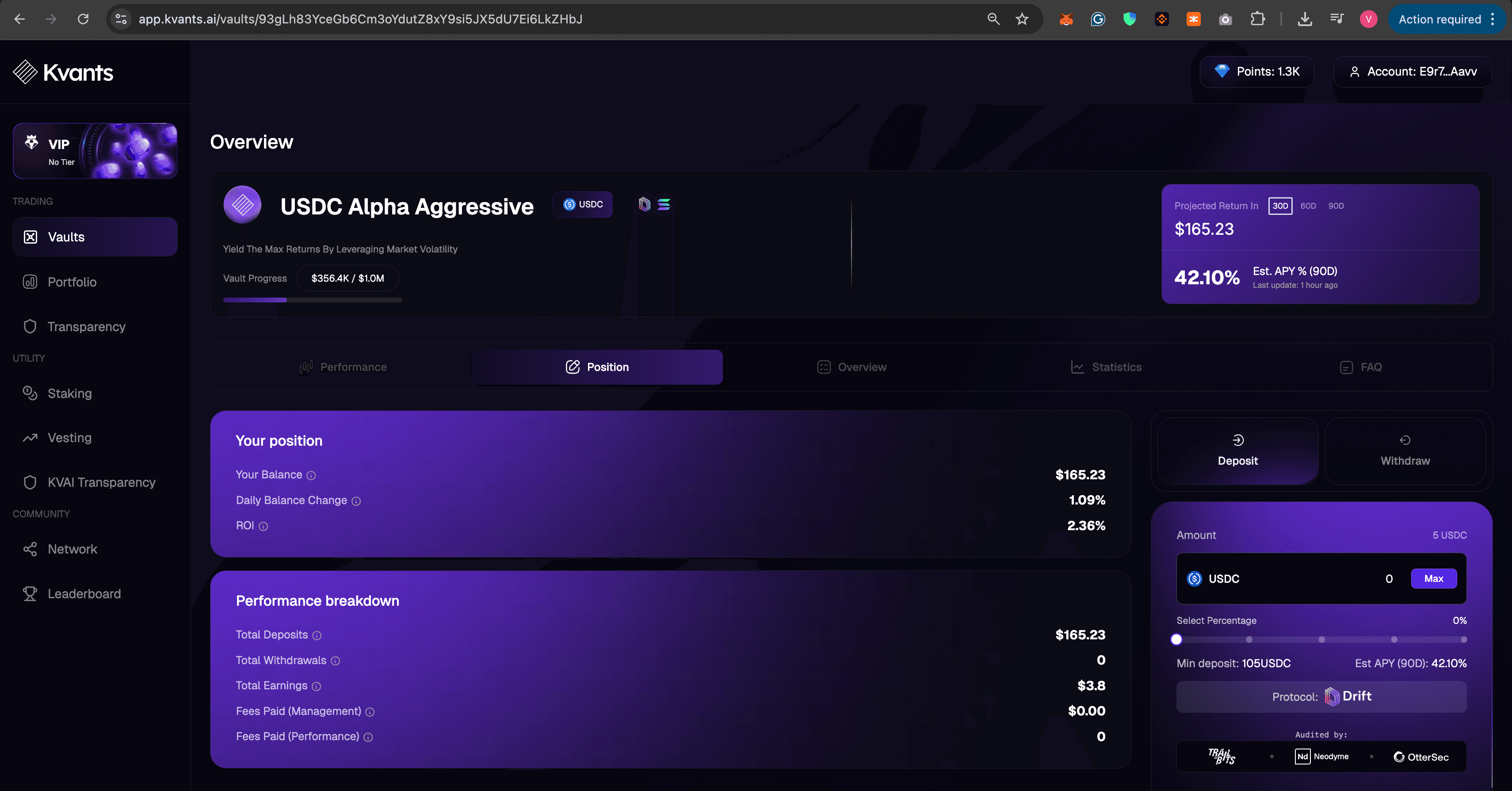
4. After the deposit, you can browse through the tabs and check your position by clicking on 'Position' tab.
What Really Happens After You Invest In Kvants Vault
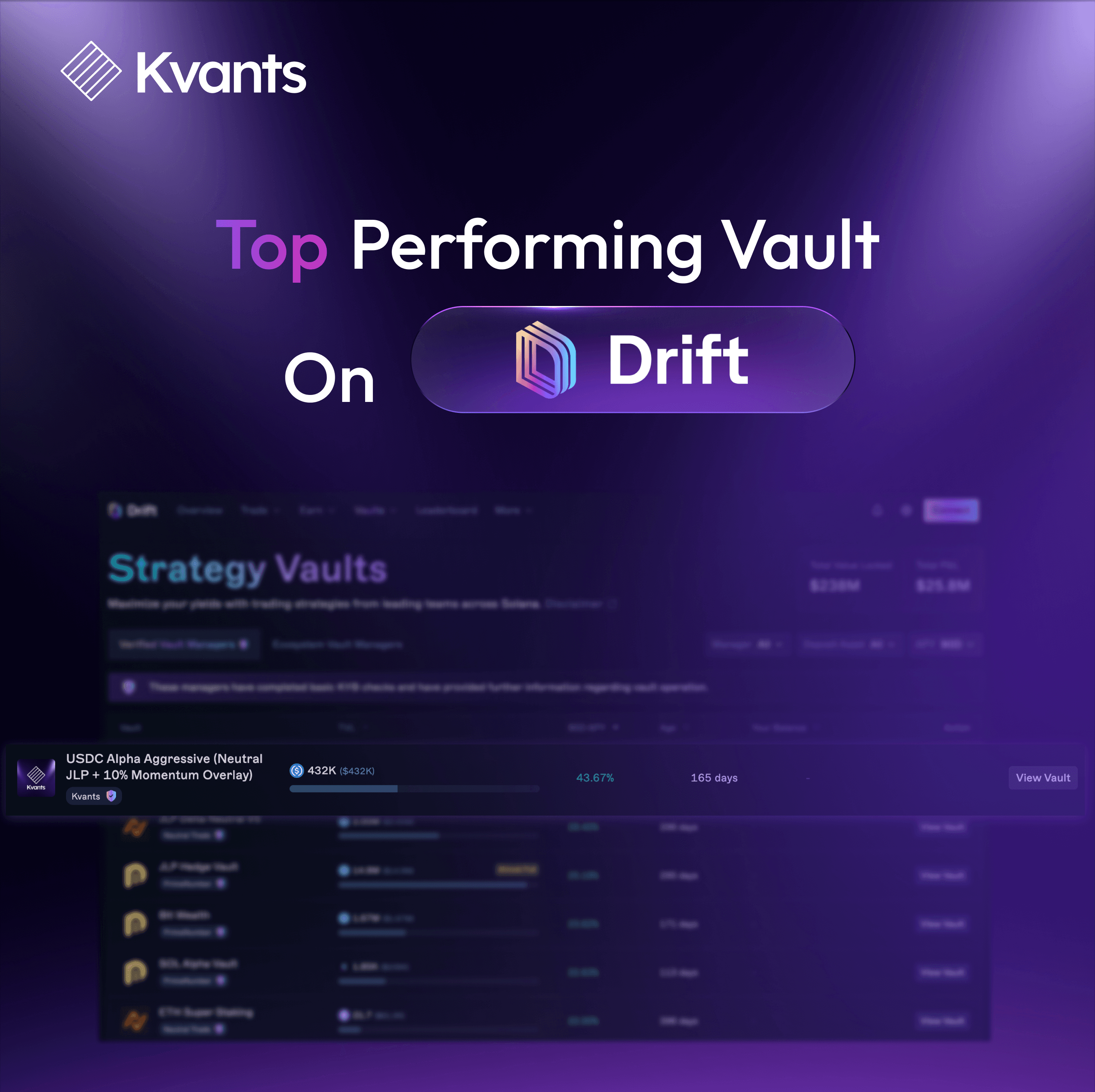
Since you invested in this specific strategy, your USDC was converted into JLP tokens and deposited as collateral on Drift, where hedged short positions were opened against SOL, ETH, and BTC to neutralize price exposure. Your capital now simultaneously earns JLP fees, Drift funding rates, and additional alpha from an aggressive momentum overlay that can swing your hedge up to 100% to capture trending moves — all managed by an automated Keeper bot. Had you chosen a different strategy, your funds would follow an entirely different mechanism — perhaps a pure delta-neutral approach without momentum bets, a single-asset yield farm, or a more conservative fixed-hedge structure — each with its own risk-return profile and fund treatment.
How To Withdraw Your Funds From Kvants Vault
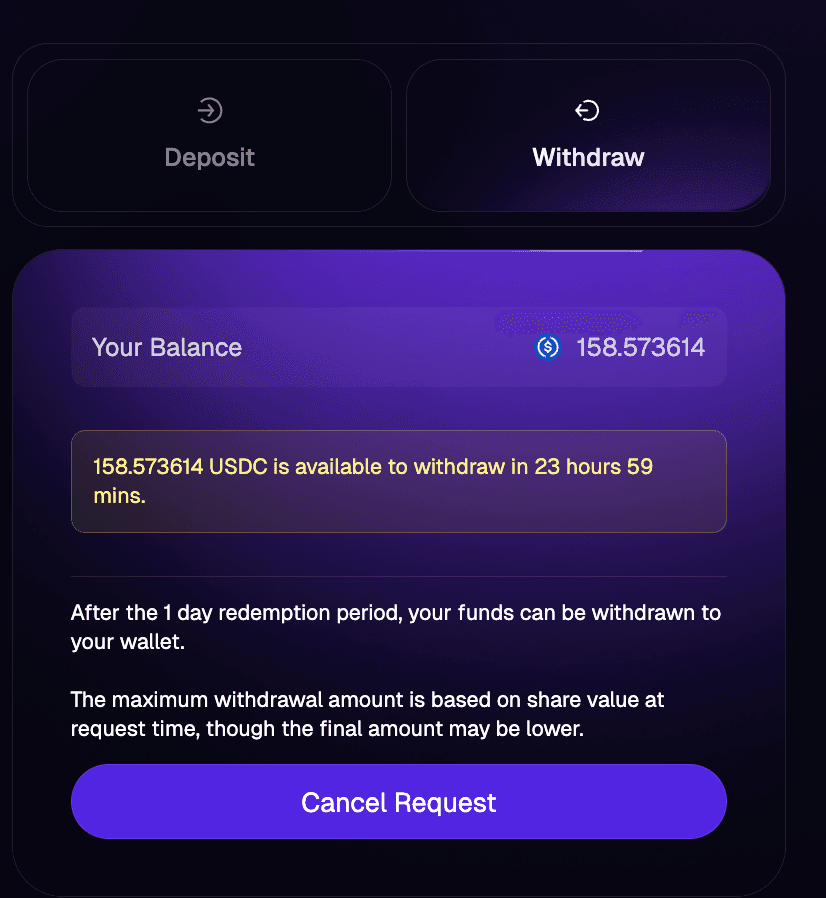
- To Withdraw: Click on the 'Withdraw' tab and click on 'Max' to withdraw your maximum profit. You can also move the slider based on how much you want to withdraw.
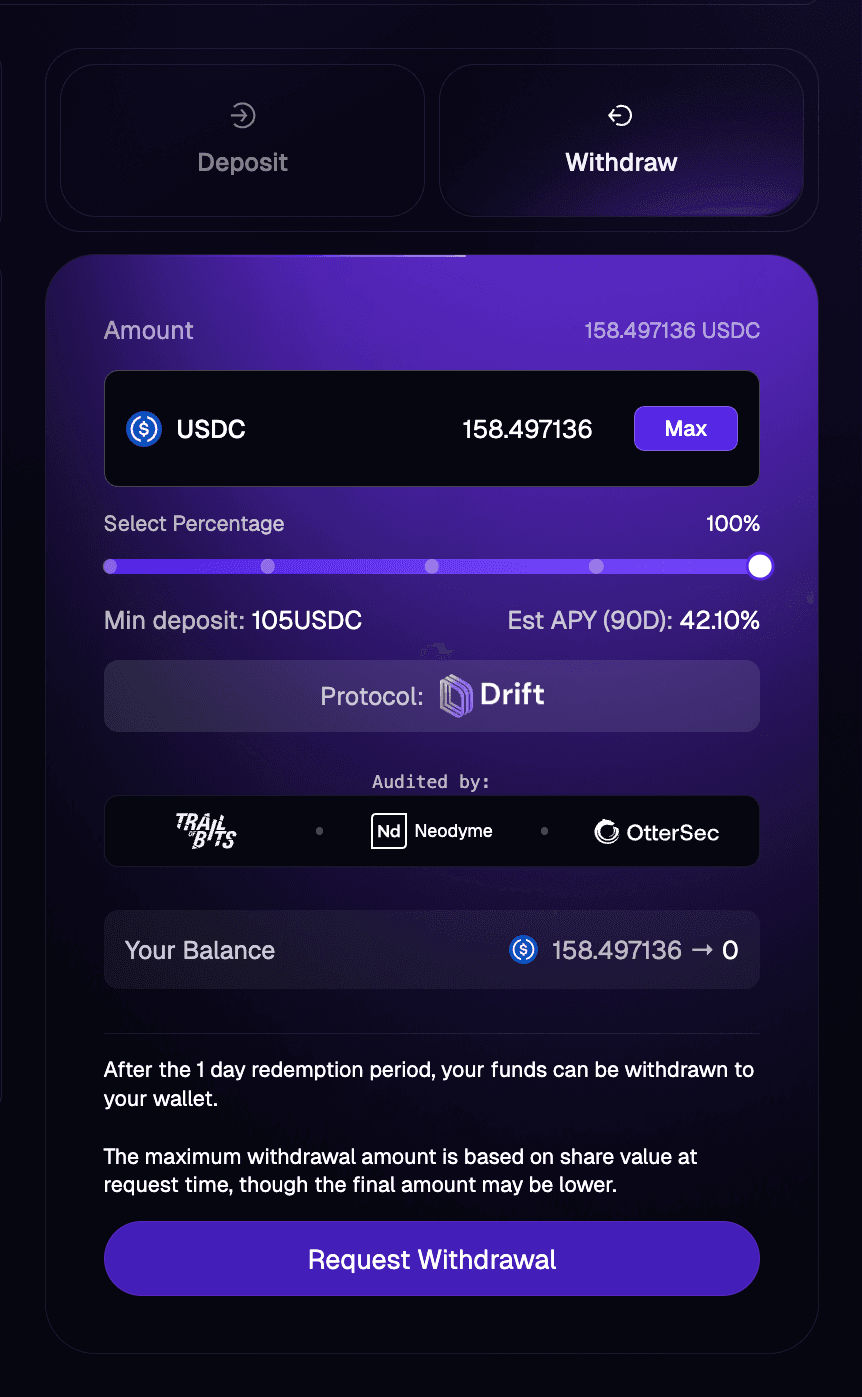
2. Confirm Transaction: You will be asked to confirm the transaction on your Solana Web3 Wallet
3. Confirmation Period: You will then have to wait for 23 Hours 49 Minutes for the final confirmation before your tokens are available to claim on your wallet. You can even cancel the withdrawal during this time.
And finally, that's all it takes.
From connecting your wallet to depositing, monitoring, and withdrawing, the entire process is non-custodial, transparent, and fully on-chain. You choose the strategy, the smart contracts execute, and the algorithms handle the rest.
Whether you're deploying capital for the first time or scaling into more advanced strategies through $KVAI VIP tiers, Kvants puts institutional-grade quantitative trading at your fingertips, no intermediaries, no lock-ups, and no guesswork. Start exploring strategies at app.kvants.ai.
Want me to adjust the tone or add anything specific?

Read more